Running AI models locally: why more developers are going offline

Running AI models locally: why more developers are going offline
For most of the AI boom, using a language model meant sending your data to someone else's server. Your prompts, your documents, your sensitive business information went to OpenAI or Anthropic or Google and came back as a response. In 2026, a growing number of developers are choosing a different path entirely.
Running AI models locally means the model lives on your own machine. No internet required. No data leaving your computer. No API costs per token. The tradeoff is that local models are generally smaller and less capable than frontier cloud models. But for many real use cases, they are more than good enough, and the privacy and cost advantages are significant.
Why developers are making this choice
The reasons vary depending on who you ask. Privacy is the most common one. Developers building tools for law firms, healthcare companies, or any context where data sensitivity matters cannot send that data to a third party API without serious legal and ethical complications. Running locally solves this completely.
Cost is the second reason. API costs add up fast at scale. A workflow that processes thousands of documents per day can generate significant monthly bills with a cloud API. Running the same workflow on a local model costs nothing after the initial hardware.
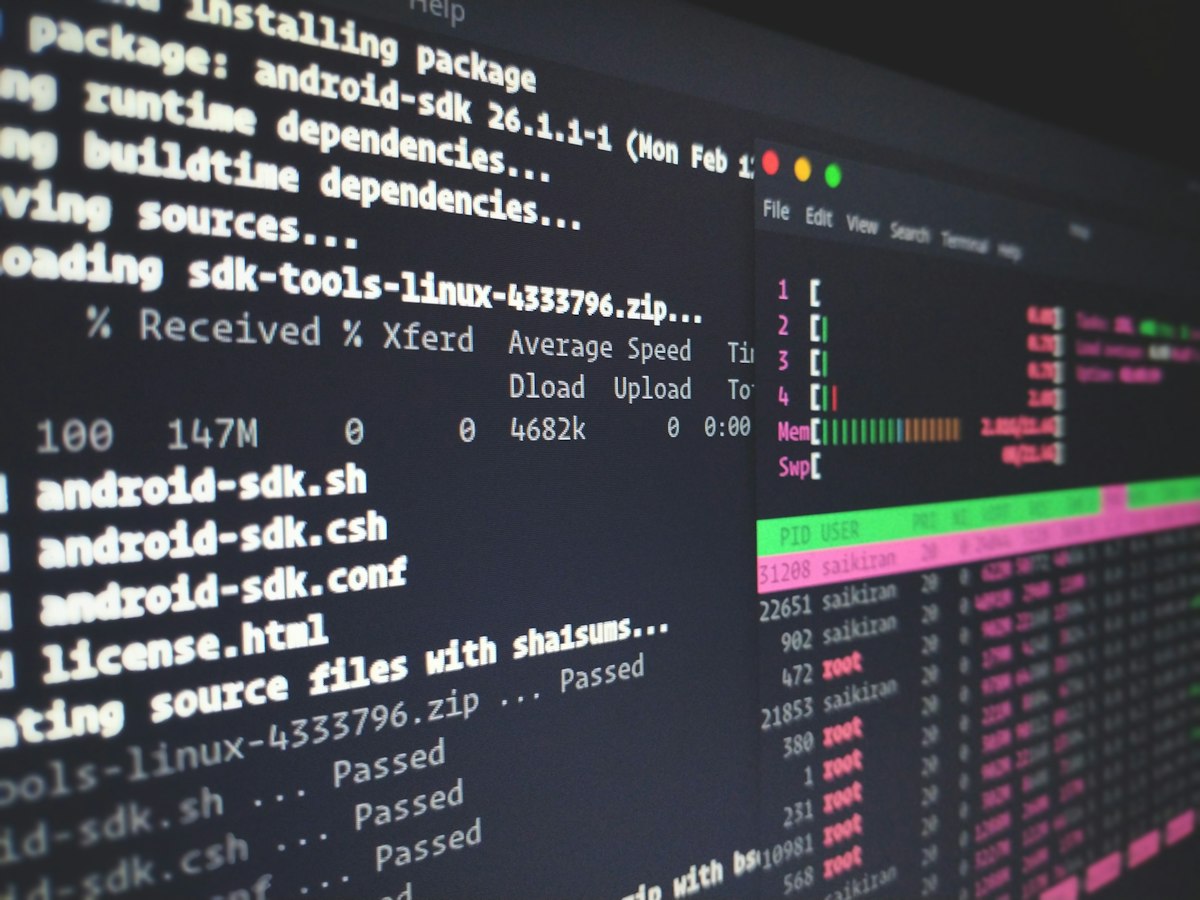
Local AI models give developers complete control over their data, costs, and availability
The tools making this possible
Getting started with Ollama in three commands
# Download and run Llama 3 locally
ollama run llama3
# Run a smaller, faster model
ollama run phi3
# Use it like the OpenAI API in Python
ollama run mistral
What hardware do you actually need
This is where people get surprised. You do not need a server with eight GPUs. A modern laptop with 16GB of RAM can comfortably run smaller models like Phi-3, Gemma 2B, or Llama 3.2 3B. These models are genuinely useful for summarization, classification, code completion, and simple Q&A tasks.
For larger models like Llama 3 8B or Mistral 7B, 32GB of RAM gives you a comfortable experience. With a dedicated GPU the performance improves substantially, but the CPU-only experience is usable for many tasks even on mid-range hardware.
For most local AI use cases today, a 7B or 8B parameter model running on Ollama gives you about 70 to 80 percent of the capability of GPT-3.5 with zero API cost and complete data privacy. For document processing, code assistance, and automation tasks that do not require the absolute frontier of reasoning ability, that is a genuinely compelling trade.
Key takeaways
- Local AI models run entirely on your machine with no data sent to external servers
- Ollama is the fastest way to get a local model running with minimal setup
- 16GB of RAM is enough to run smaller but genuinely capable models today
- Privacy, cost, and availability are the three main reasons developers choose local over cloud


Comments
Post a Comment
Let me know what you think in the comments