
Docker in plain English: what containers actually do
Docker is one of those tools that sounds complicated until someone explains it properly. Once you get it, you'll wonder how you ever deployed anything without it. Here's the plain-English version.
If you've spent any time in tech spaces, you've heard about Docker. It shows up in job listings, tutorials, and deployment guides constantly. But most explanations jump straight into commands without explaining what problem Docker is actually solving.
The problem Docker solves
Every developer has experienced this: you build something on your laptop, it works perfectly, you deploy it to a server, and it breaks. The server has a different version of Python. A dependency is missing. The operating system handles a file path differently. The classic excuse — "it works on my machine" — exists because of this exact problem.
What a container actually is
A container is a lightweight, self-contained package that includes your app and everything it needs to run — the code, the runtime, the libraries, the configuration. Everything. When you run a container, it doesn't matter what operating system the host machine is using. The container brings its own environment with it.
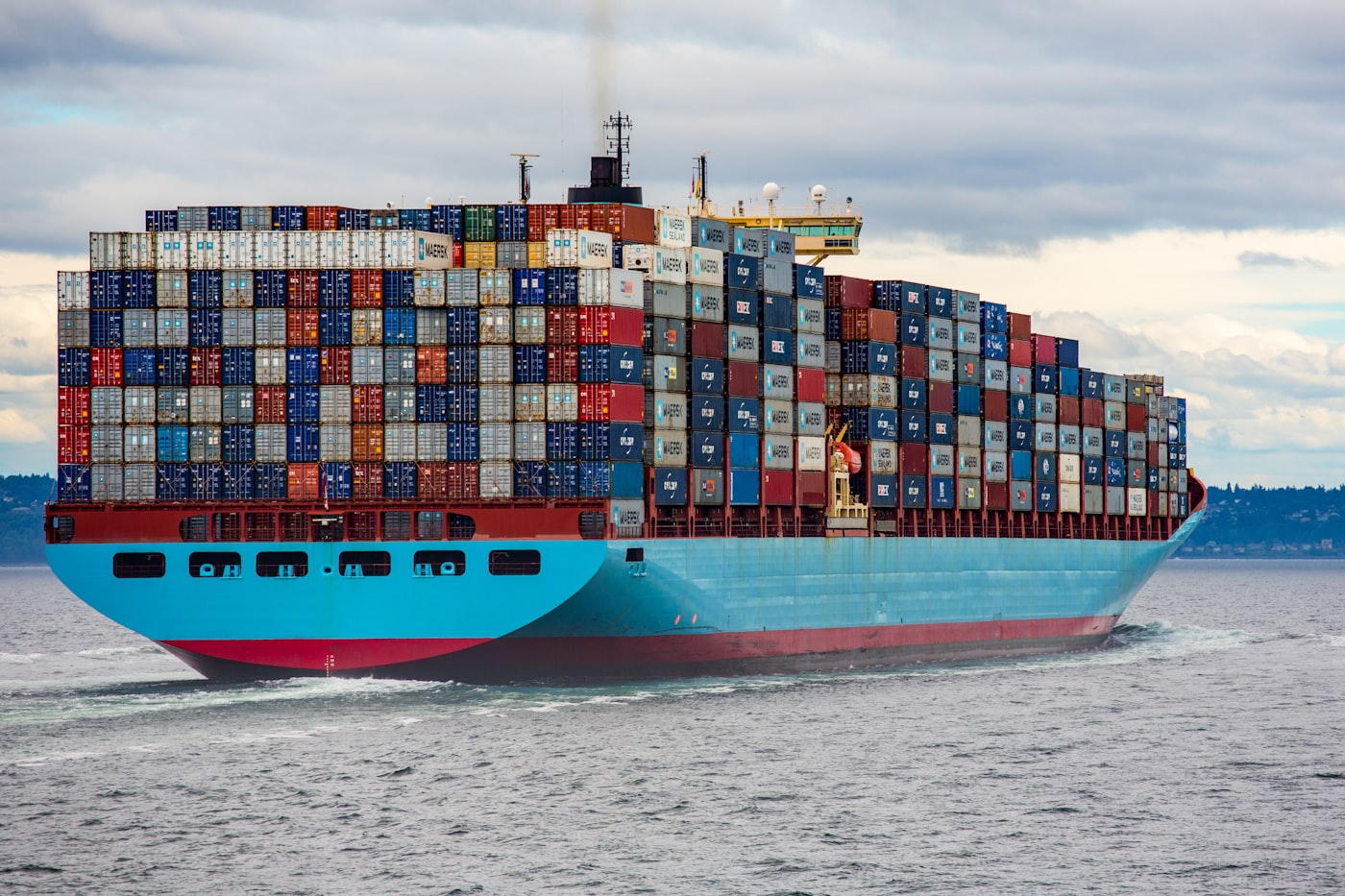
Think of it like a shipping container on a cargo ship. The container holds everything inside it, sealed and standardized. Whether it's loaded onto a ship in Saudi Arabia or unloaded in Germany, the contents are identical and handled the same way. The container abstracts away the differences between environments.

Containers run identically on your laptop, a cloud server, or anywhere else — same environment, every time
Containers vs. virtual machines
You might be thinking — isn't that what a virtual machine does? Kind of, but there's a key difference in how they work:
- A virtual machine emulates an entire computer, including its own operating system kernel. Heavy, slow to start, consumes a lot of resources.
- A container shares the host operating system's kernel and only packages what's different. Lightweight, starts in seconds, uses far fewer resources.
You can run dozens of containers on a single machine that would struggle to run two or three virtual machines. That's why containers took over the industry.
Basic Docker in practice
Here's what the most common Docker workflow looks like:
docker pull python:3.11
# Run a container from that image
docker run python:3.11
# Build your own image from a Dockerfile
docker build -t my-app .
# Run your app in a container
docker run -p 8080:8080 my-app
The Dockerfile is just a text file that describes what goes inside your container — which base image to use, which files to copy in, which dependencies to install, and which command to run when the container starts.
Most AI models and automation tools — including n8n, Ollama, and dozens of others — are distributed as Docker images. Knowing how to pull, run, and configure containers is a foundational skill for anyone building AI systems. If you see a tool with a docker-compose.yml file, you can have it running on your machine in under five minutes.
Key takeaways
- Docker solves the "works on my machine" problem by packaging your app with everything it needs
- Containers share the host OS kernel — making them far lighter than virtual machines
- A Dockerfile describes your environment; an image is the built result; a container is the running instance
- Most modern AI tools ship as Docker images — knowing Docker unlocks all of them