
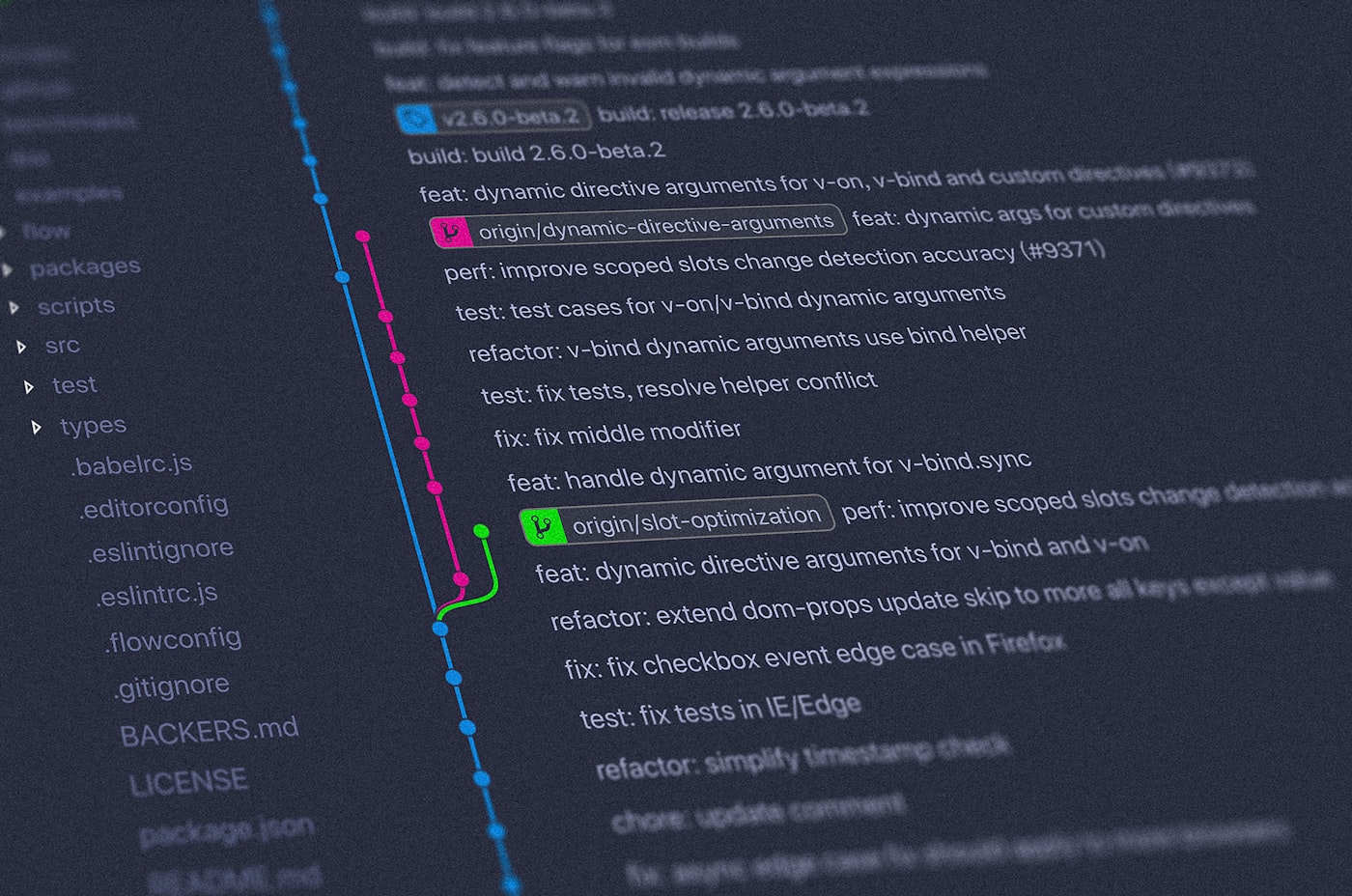
Git and GitHub explained: version control for people who hate losing work
Every developer has experienced the nightmare of overwriting something important, or not being able to go back to a version that was working. Git exists entirely to prevent that — and it's one of the first tools you should learn after Python.
Git is the most widely used version control system in the world. GitHub is the platform where most developers store their Git repositories online. Understanding both is non-negotiable in modern development — every job listing, every team project, and every open-source contribution you'll encounter uses them.
What version control actually means
Version control is a system that records every change you make to your code over time. You can see the full history of every file, jump back to any previous state, and work on multiple versions of a project simultaneously without them interfering with each other.
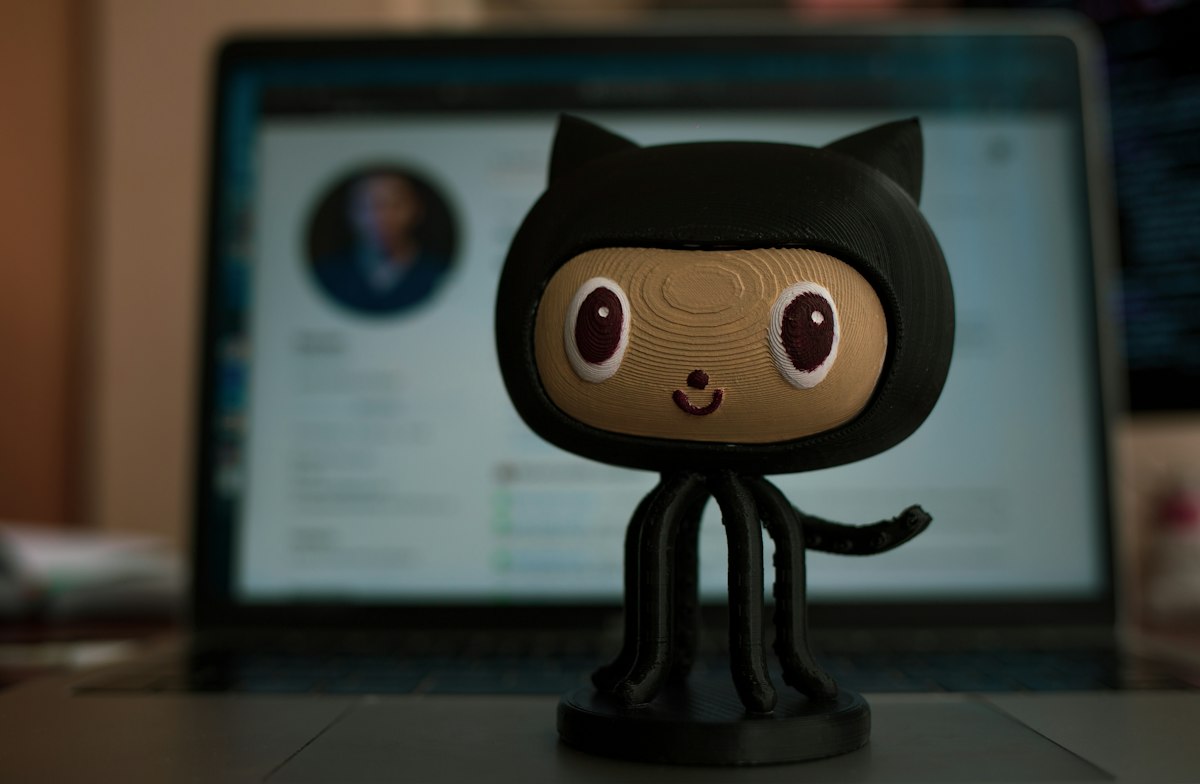
GitHub lets you store your repositories online, collaborate with others, and showcase your work
Git vs GitHub — they're not the same thing
- Git is the tool that runs on your computer and tracks changes to your files locally
- GitHub is a website where you can store your Git repository online, share it with others, and collaborate on code
You can use Git without GitHub. But in practice, almost every developer uses both together — Git to manage changes locally, GitHub to back everything up and share it.
The commands you'll use every single day
git init
# Check what files have changed
git status
# Stage all changes for saving
git add .
# Save a snapshot with a message
git commit -m "Add login feature"
# Send your changes to GitHub
git push origin main
# Pull the latest changes from GitHub
git pull
# Create a new branch to work on a feature
git checkout -b new-feature
The basic workflow
In practice, using Git looks like this every day:
- Make changes to your files in VS Code or any editor
- Run
git statusto see what changed - Run
git add .to stage everything - Run
git commit -m "description of what you did" - Run
git pushto send it to GitHub
That's the entire loop for 90% of solo development work. Teams add branches and pull requests on top of this, but the core flow stays the same.
Why your GitHub profile matters
Beyond tracking changes, GitHub has become the developer's portfolio. Recruiters, hiring managers, and collaborators look at GitHub profiles to see what you've built, how consistently you code, and how you structure your projects. Every project you push to GitHub — even small ones — builds a visible history of your work.
Create a free account at github.com, install Git from git-scm.com, and push your first repository today. Even if it's just a Python script you wrote while learning. The habit of committing and pushing regularly is worth building from day one.
Key takeaways
- Git tracks every change to your code so you can always go back to a working version
- GitHub stores your repositories online and acts as your developer portfolio
- The daily workflow is: edit → add → commit → push — repeat
- Start pushing to GitHub immediately — your commit history is part of your professional identity