
How the Internet Actually Works: From Keystroke to Render
Whenever you type a URL into a browser and hit Enter, an aggressive relay race kicks off across the globe. Within 100 milliseconds, packets bounce between your router, local telecom infrastructure, root nameservers, and an Nginx or Cloudflare edge server thousands of kilometers away. We treat it like magic until something breaks and a client asks why their API calls are dropping.
Stripping away the academic abstractions of the 7-layer OSI model, what actually happens under the hood comes down to a sequence of concrete handshakes, lookups, and packet routing.
The Myth of "The Cloud"
The web is physical hardware. Your data doesn't float through a vaporous digital ether; it travels as pulses of light through thousands of miles of submarine fiber-optic cables lining the ocean floor, managed by Tier 1 network providers through BGP (Border Gateway Protocol) routing tables.

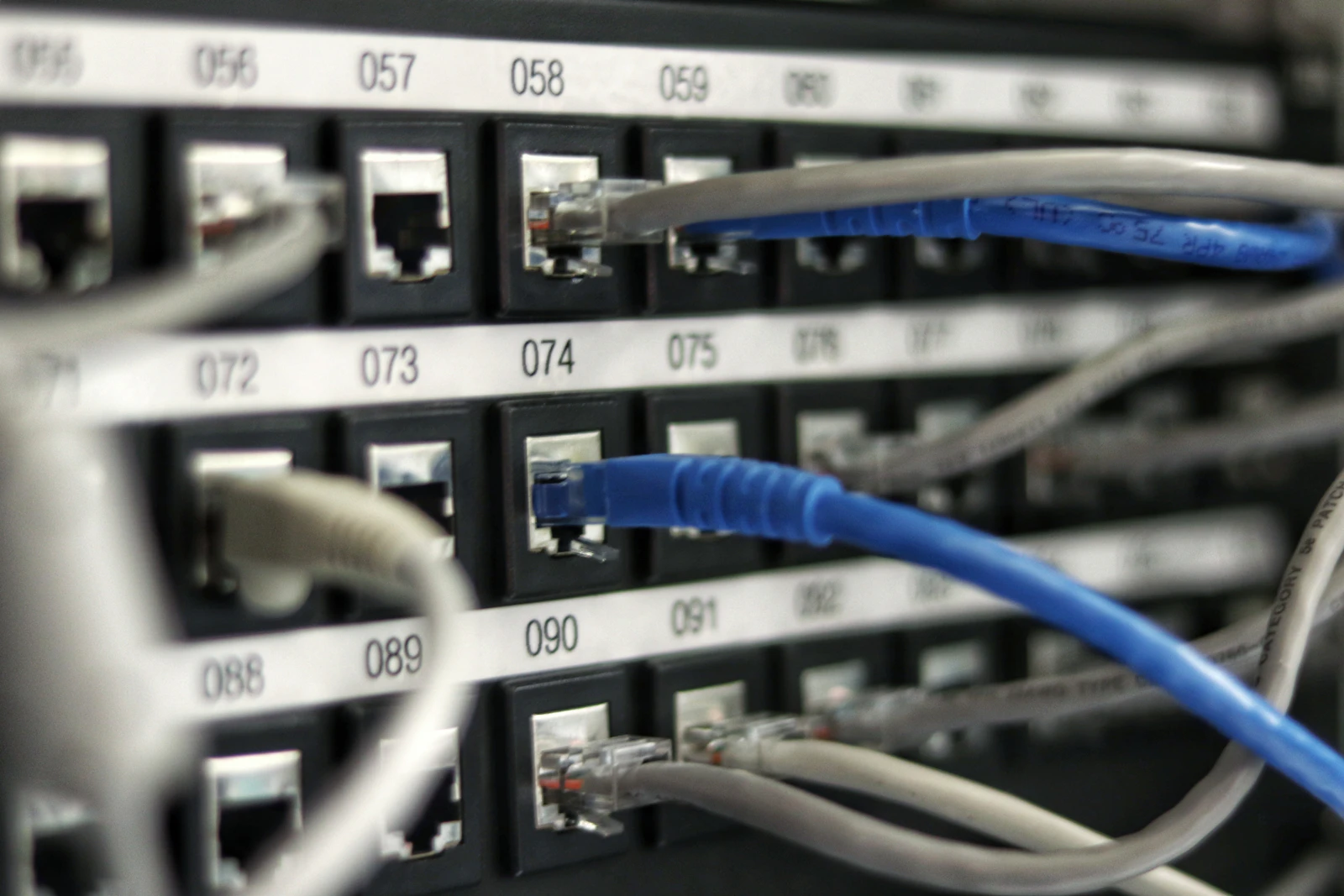
High-density data centers handle millions of parallel TCP connections every second
The 6 Steps Behind Every Page Load
1.1.1.1 or your ISP) to translate informaticsos.com into an IP address like 104.21.58.130.GET /index.html HTTP/2, accompanied by user-agent headers, accept cookies, and cache validation tags.Why Latency Still Dominates Over Bandwidth
A common misconception is that a faster home fiber connection automatically makes every website load twice as fast. In reality, bandwidth only dictates how much volume you can stream at once; latency dictates the time each round-trip takes.
Light through optical fiber travels at approximately 200,000 km/s. If your server is in Virginia and your user is in Tokyo, physics imposes a non-negotiable floor on packet transit time. This is why Content Delivery Networks (CDNs) cache assets at local Points of Presence (PoPs)—cutting down the physical distance your packets must traverse.
When an API endpoint hangs or a webpage crawls, don't guess blindly. Run curl -v https://yourdomain.com in your terminal or check the Network tab in DevTools. You will immediately see whether the bottleneck is sluggish DNS lookup, an un-cached TLS negotiation, or slow backend database processing.
Key Takeaways for Developers
- DNS caches at multiple tiers (browser, OS, resolver) to prevent resolving IP addresses on every single asset request.
- TCP and TLS handshakes add multiple round-trip times (RTT) before the first byte of HTML can even be transmitted.
- CDNs exist because network speed is ultimately bound by the speed of light in fiber optic cables.
- Tools like
curl -Iv,dig, andtracerouteexpose the real bottlenecks behind slow request chains.