
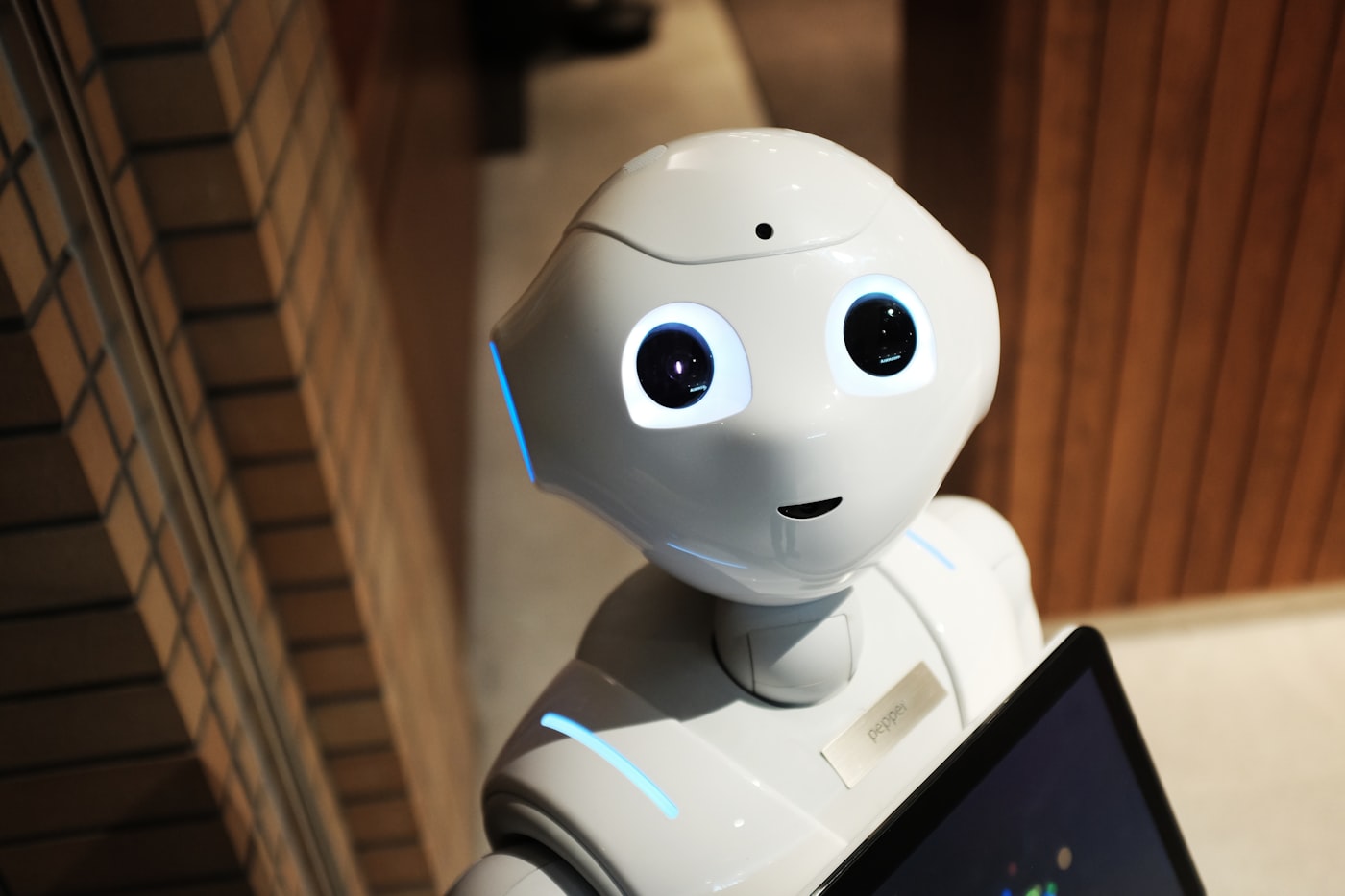
Computer vision explained: how machines learned to see
Your phone unlocks when it recognizes your face. A self-driving car stops because it detected a pedestrian. A factory camera flags a defective product moving down the line. All of these are powered by computer vision, one of the most impactful branches of AI and one of the fastest moving fields in engineering today.
Computer vision is the field of AI concerned with giving machines the ability to interpret and understand visual information from the world. Images, video, live camera feeds. The goal is to extract meaning from pixels the same way human vision extracts meaning from light hitting the retina.
How a machine sees an image
To a computer, an image is just a grid of numbers. Each pixel has a numerical value representing its color, typically three numbers for red, green, and blue channels. A 1920 by 1080 image is a grid with over two million pixels, each with three values. That is the raw material a computer vision model works with.
The challenge is that these numbers alone contain no obvious meaning. The model has to learn which patterns of numbers correspond to meaningful features like edges, shapes, textures, and eventually objects. This is what neural networks trained on millions of labeled images learn to do.
Computer vision systems process visual information at speeds and scales no human observer could match
The core tasks in computer vision
The field covers several distinct problems, each with its own approaches and benchmarks.
Image classification is the simplest task. Given an image, predict what category it belongs to. Is this a cat or a dog? Is this an X-ray showing a tumor or healthy tissue?
Object detection goes further. Not just what is in the image but where each object is located. A bounding box is drawn around every detected object along with a confidence score.
Image segmentation is even more precise. Instead of bounding boxes, every single pixel in the image is assigned to a class. This is what allows self-driving cars to understand the exact boundary between road, sidewalk, and pedestrian.
Facial recognition identifies or verifies a person's identity from their face. Used in phone unlock systems, airport security, and law enforcement, with significant ethical implications in each context.
Where computer vision shows up in the real world
The most accessible entry point is OpenCV, a free Python library that handles everything from reading camera feeds to running basic detection tasks. For deep learning based vision, Ultralytics YOLOv8 lets you run state-of-the-art object detection in under ten lines of Python. Both are free, well-documented, and work on a standard laptop without a GPU for basic tasks.
Key takeaways
- Computer vision gives machines the ability to extract meaning from images and video
- Images are grids of numbers and neural networks learn which patterns correspond to meaningful features
- The core tasks are classification, detection, segmentation, and recognition
- OpenCV and YOLOv8 are the fastest ways to start building computer vision applications in Python